mirror of
https://github.com/litruv/AudioSort.git
synced 2026-09-10 01:59:38 +10:00
3
Installation
Max Litruv Boonzaayer edited this page 2025-11-12 08:20:02 +11:00
AudioSort runs as a cross-platform desktop app built with Electron. Follow the steps below to get it up and running on your machine.
System Requirements
- Windows: Windows 10 or newer (64-bit)
- Linux: Any modern distribution (Ubuntu 20.04+, Fedora 35+, etc.)
- 4 GB of RAM or more
- Around 500 MB free for the app itself, plus space for your audio library
- WAV files (16/24-bit PCM recommended)
Windows Setup
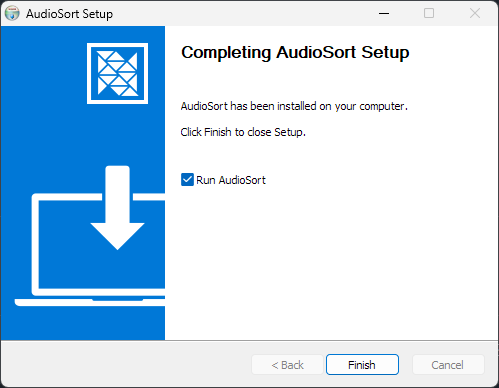
- Download the latest
AudioSort Setup.exeinstaller from the releases page. - Run it and follow the prompts — you can pick a custom install location if you want.
- Once it's done, launch AudioSort from the Start Menu or the desktop shortcut.
Linux Setup
AudioSort is available in multiple formats for Linux:
AppImage (Universal)
Works on any Linux distribution without installation:
# Download from releases page
chmod +x AudioSort-*.AppImage
./AudioSort-*.AppImage
Debian/Ubuntu (.deb)
sudo dpkg -i audio-sort_*.deb
sudo apt-get install -f  # Install dependencies if needed
Fedora/RHEL (.rpm)
sudo dnf install ./audio-sort-*.rpm
Updating
- You can install new versions right over the top of the old one — your settings and library data will stay safe.
- After updating, open the app and hit Rescan Library to keep everything in sync with your files.
Development Builds
If you're contributing or just want to run from source:
# clone the repo
git clone https://github.com/litruv/AudioSort.git
cd AudioSort

# install dependencies
npm install

# start the dev build
npm run dev
The dev script spins up Vite for the renderer, watches TypeScript, and runs Electron with live reload.