mirror of
https://github.com/litruv/AudioSort.git
synced 2026-09-10 01:59:38 +10:00
4
Home
Max Litruv Boonzaayer edited this page 2025-11-12 02:55:46 +11:00
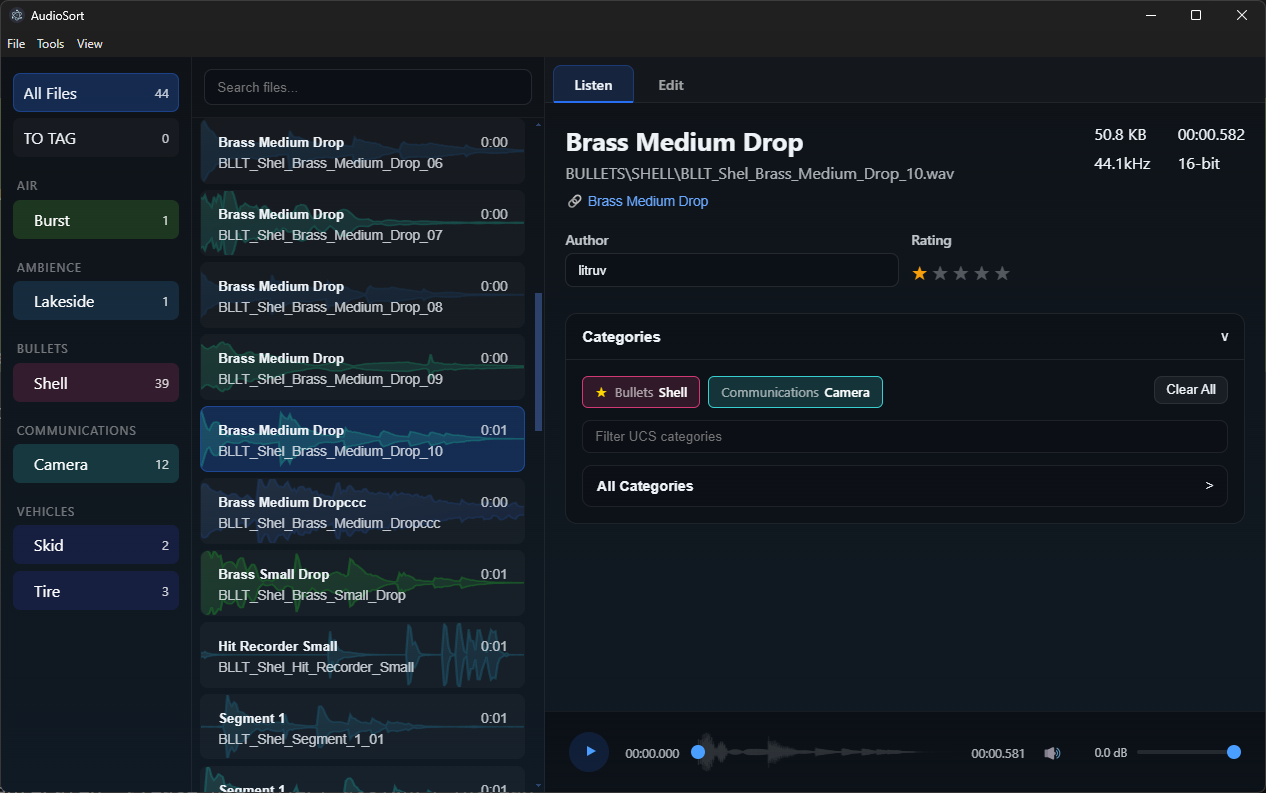
Welcome to the AudioSort wiki. This is where you’ll find setup info, workflow notes, and fixes for when things go sideways. It’s all built around the Electron app — your main tool for managing WAV libraries.
Highlights
- WAV-first setup – automatically scans and detects duplicates using checksums
- UCS tag categories – full support with the built-in catalog
- Waveform previews & splitting – edit and trim sounds right in the app
- Just-Split review filter – instantly highlight freshly exported segments
- Smart search – fuzzy Fuse.js search with advanced metadata filters
Quick Start
- Download and install the desktop app (Installation)
- Launch AudioSort and choose your library folder
- Run Rescan Library from the menu to import your WAVs
- Use tags, categories, and sorting tools to keep things neat
Navigation
Have an idea or found something that could be better? Open an issue or pull request in the main AudioSort repo.